

|
|
|
You can only make a staff member available as a substitute in Synergetic.
Once the staff member has been marked as available for substitution, they appear in the search grid in SynWeb when you are making a substitution for a class.
.gif)
To make a staff member available for substitution:
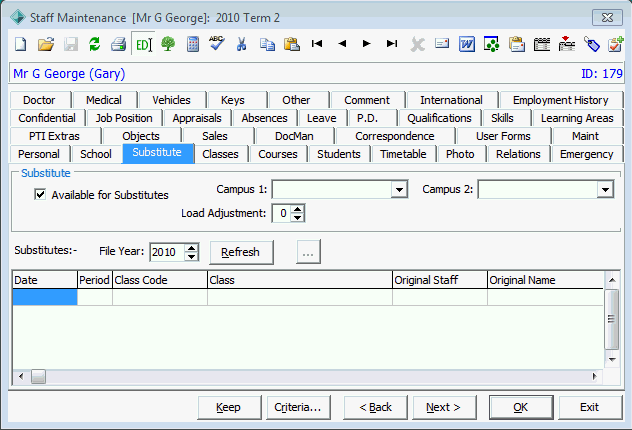
Any substitutions made in SynWeb appear on this tab.
.gif)
Last modified: 2/10/2013 4:29:43 PM
|
See Also Substitutions - Substitution Search Criteria window Substitute Class Resources window Substituting a staff member and a room for a class Substituting a staff member for a class |
|
|
|
© 2014 Synergetic Management Systems. Published 12 September 2014. |
